TA Cloud DMS Agent
System requirements
| Hardware | Value | Note |
|---|---|---|
| Memory | Min. 1 GB | Dedicated RAM for agent |
| Hard disk space | Min. 500 MB free | For installation of the application and logs |
| Processor | x86 (32-bit) or x64 (64-bit) | |
| Resolution | Min. 1024 x 768 |
| Operating system | Version |
|---|---|
| Windows 10.x | |
| Windows 11.x | |
| Windows Server 2019 | Standard Edition 64 Bit Datacenter 64 Bit |
| Windows Server 2022 | Standard Edition 64 Bit Datacenter 64 Bit |
Installation files
| Version | Download |
|---|---|
| v1.0.1 | TA Cloud DMS Agent v1.0.1 |
| v10.0.2 | TA Cloud DMS Office add in |
| v10.0.0 | TA Cloud DMS Outlook add in |
| v2.10.1 | outlook add in OS 64 |
| v2.10.1 | outlook add in OS 32 |
| v9.0.4 | template editor |
Navigation
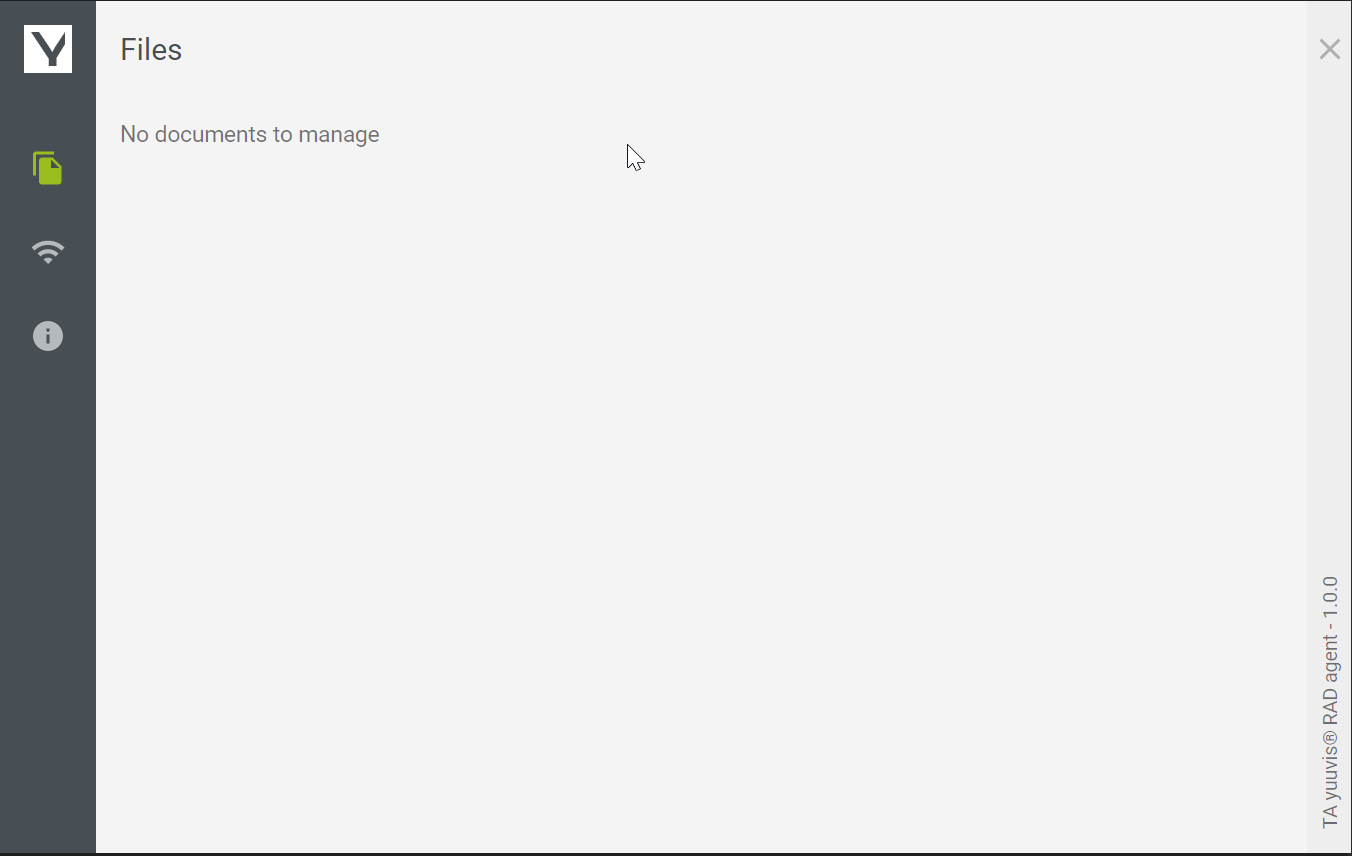
Files
Shows the list of checked out files. The file can be edited locally and then checked into the yuuvis RAD.
Connections
Shows the list of connections.
By clicking on the Wifi icon, the connection will be established and the icon will turn green.
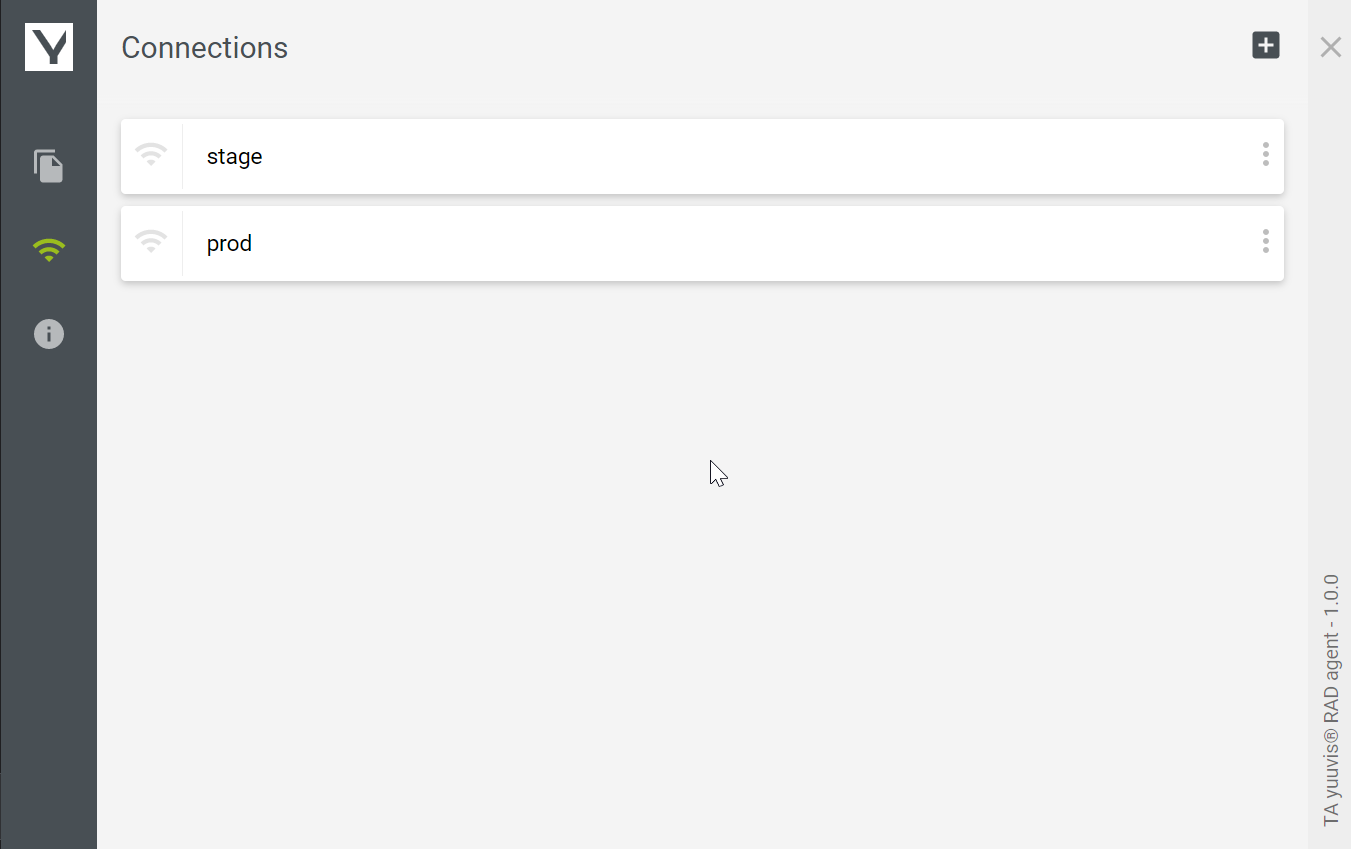
List of connections
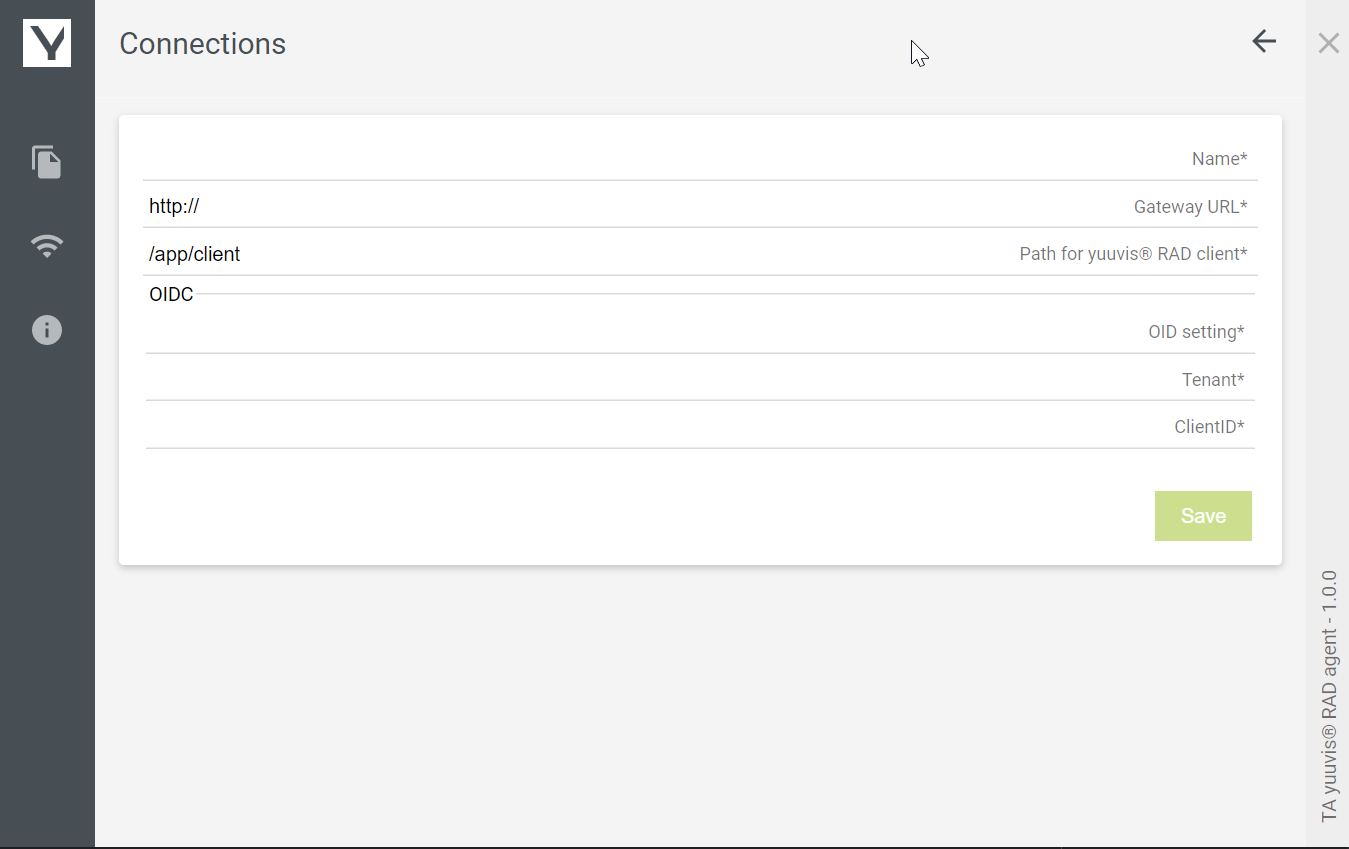
add/edit connection
General configuration parameters
| Feld | Beschreibung |
|---|---|
| Name | Name of the environment, e.g. yuuvisRAD |
| Gateway-URL | https://{short_name}.yuuvis.ta-csp.com |
| Path for yuuvis® RAD client | /app/client |
| OID-Setting | https://login.ta-csp.com/.well-known/openid-configuration |
| Mandant | ta-prod01 |
| Client-ID | 1YQ7zxTZDDbr1R1JrZDNZ8LcfOoqy0en |
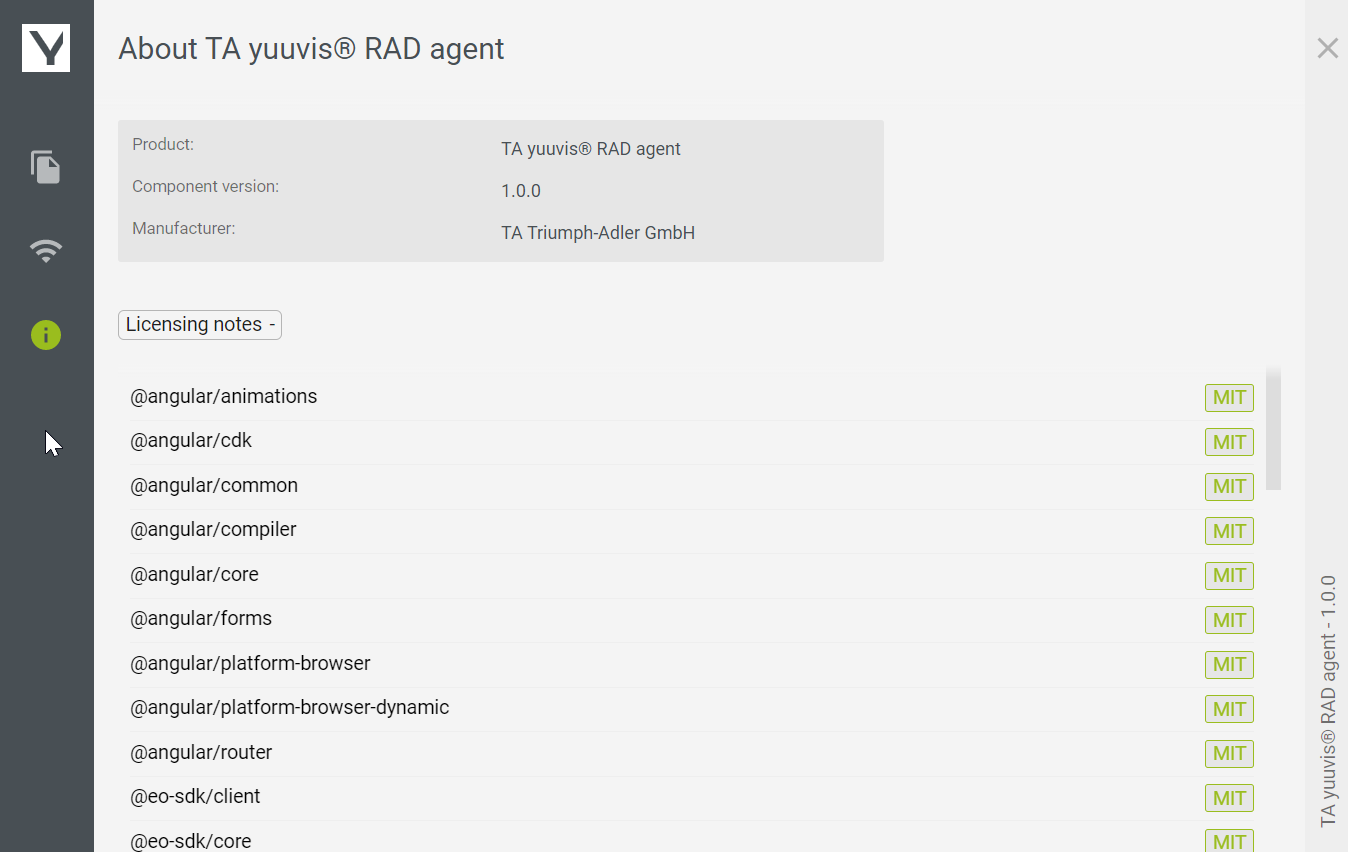
Info
Shows information about the program.
Changelog
| Version | Date | Description |
|---|---|---|
| v1.0.1 | 30. Juni 2025 | Fix
|
| v1.0.0 | 27. März 2025 | Feat
|